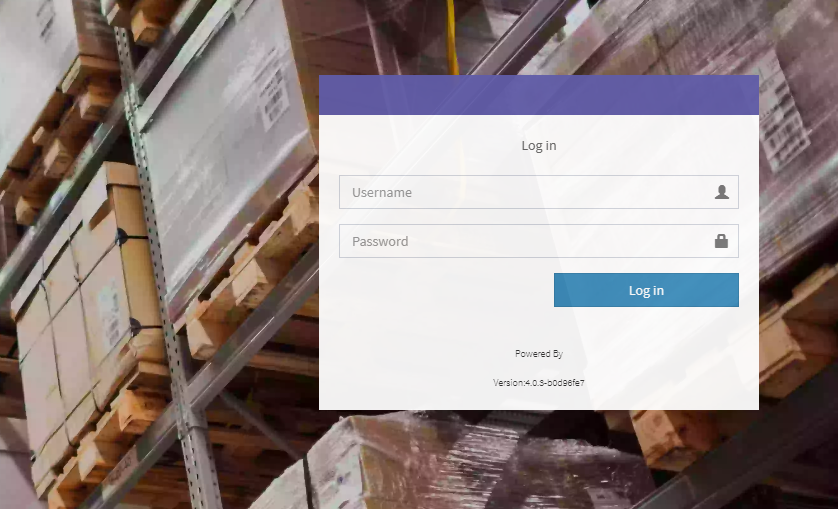
- Access your store account via http://esl.pfa.com/admin/auth/login and input the appropriate login credentials.
- After logging in, access the menu on the left side. Select SCREEN > EPD > Templates
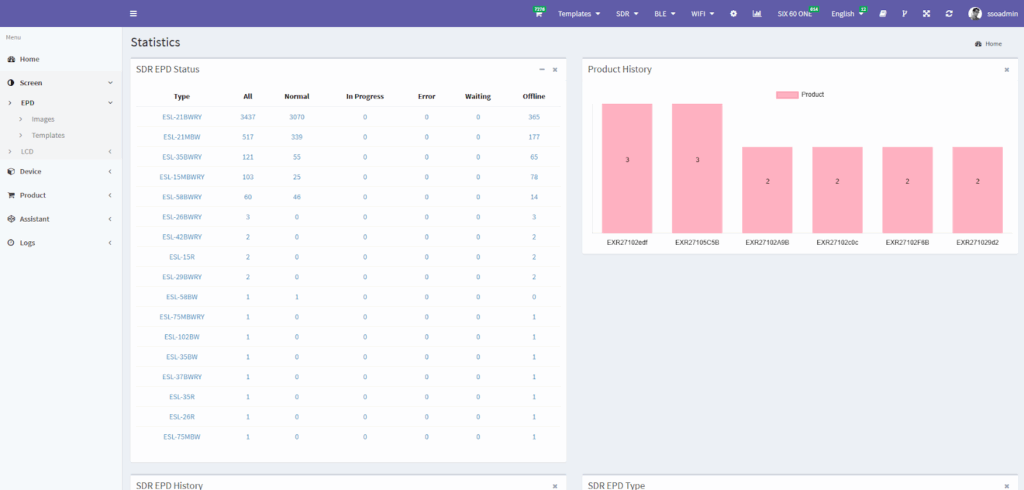
- All available templates for your store will be seen on this page. Proceed to the template that you wish to edit and select the DESIGN option on the right side.
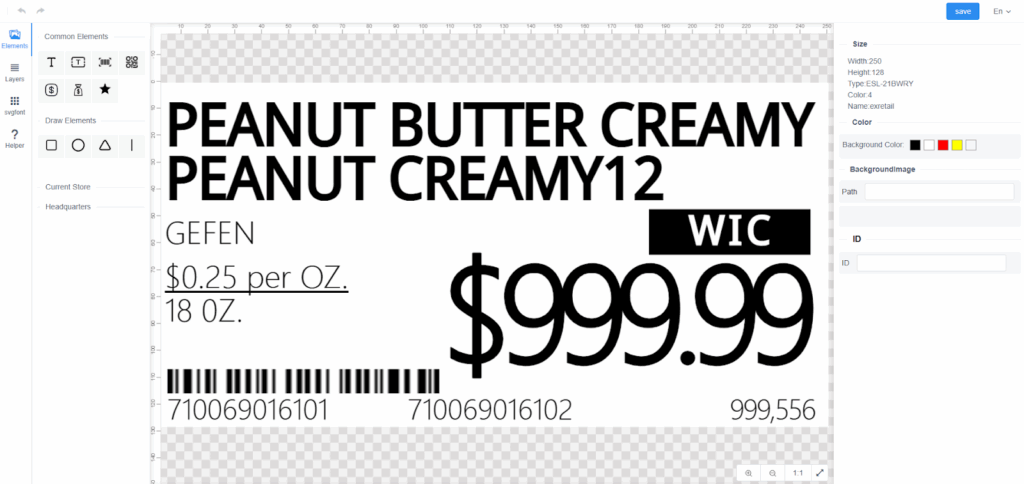
- This page will show and here you can edit your template accordingly. Once finished editing, make sure to press SAVE which can be found on the top right corner as shown on the image below.