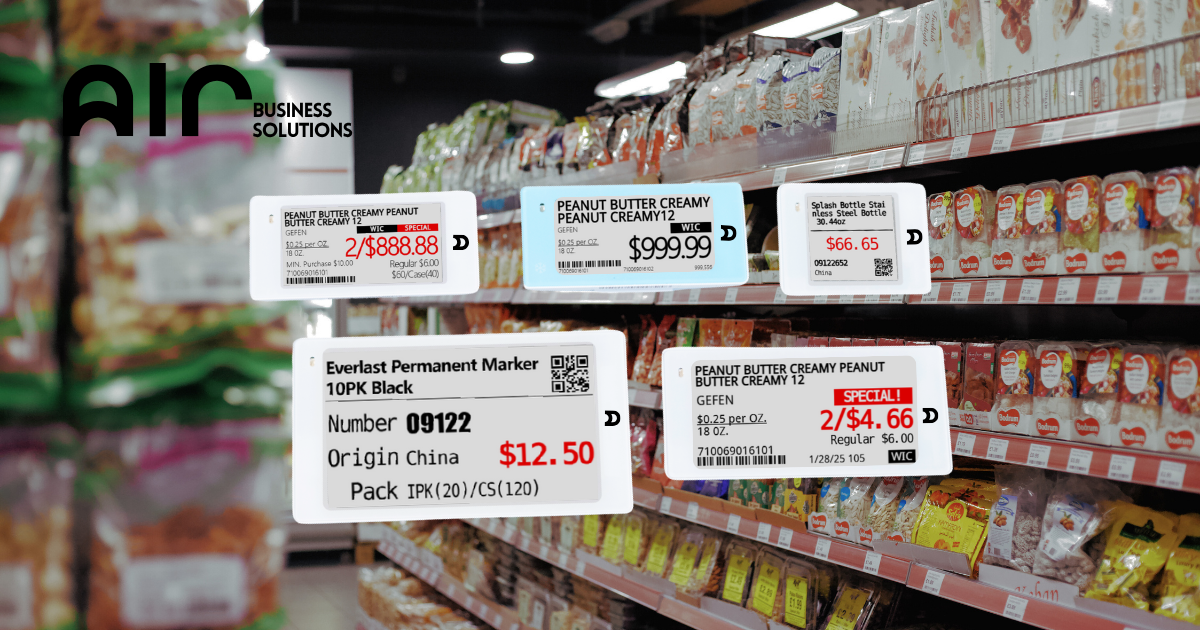
Electronic Shelf Label (ESL) tags must reflect accurate unit measurements, especially for weight-based products such as produce. This guide outlines how to resolve issues where ESL tags display incorrect or missing units like “OZ” or “0” instead of “LB” (pound).
Identifying the Issue #
A sample issue was reported where the ESL tag for Apple Cortland Large displayed:
- $2.49 per 0 instead of a valid unit (e.g., “per lb”)
- Unit field not showing properly
- Description missing from tag
- Some tags appearing as “UNBOUND”
Root Cause #
The POS system either:
- Did not specify the correct unit (e.g., “LB” for pounds)
- Was defaulting to “OZ” or displaying no unit at all
- Was using a 3rd party POS which might not have sent complete unit data to the ESL system
Resolution Steps #
- Check POS System Settings
- Go to the POS system where product details are maintained.
- Navigate to the unit or packaging section.
- Change the unit from OZ to LB.
- Update Missing Descriptions
- Ensure product descriptions are fully filled out in the POS.
- Re-sync data to the ESL system.
- Unbound Tag Troubleshooting
- If the tag appears as “UNBOUND,” make sure the barcode is properly linked to an item in the system.
- Reassign or bind the tag via the ESL management platform.
Customer Feedback and Confirmation
- The user confirmed that the issue was resolved after correcting the unit settings in the POS.
- ESL tag updated and reflected the proper price and unit format.
Notes #
- Ensure POS data is complete and up-to-date before syncing to ESL.
- If using a 3rd party POS, verify it transmits unit and description fields correctly.
Regularly check tags for display errors and resolve with timely POS adjustments.